Excel for Business Analyst
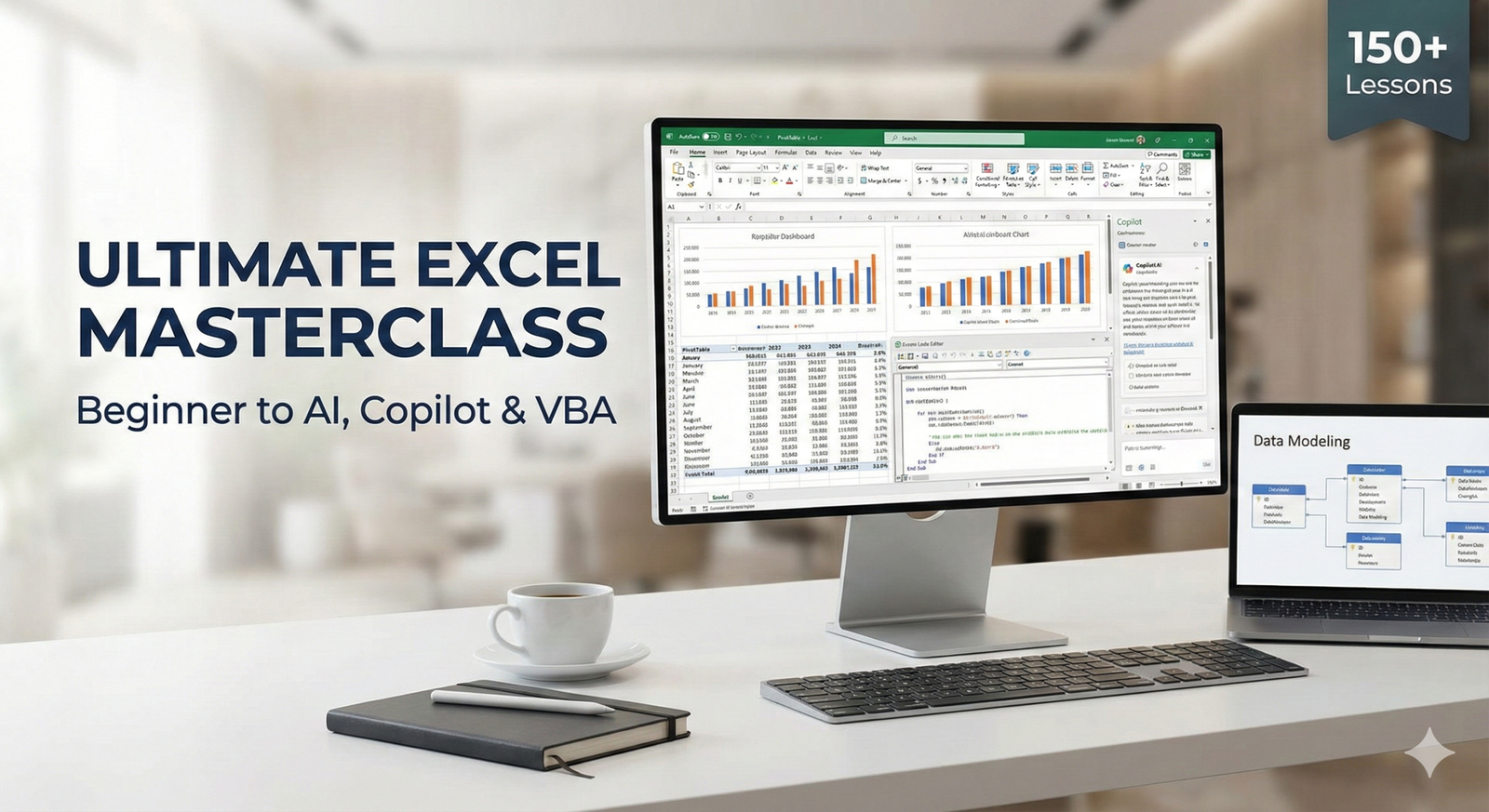
About Course
Are you stuck in “Excel Intermediate” limbo? You know the basics. You can write a VLOOKUP and build a simple chart. But in today’s data-driven world, that’s no longer enough. Employers aren’t looking for people who can just store data—they need analysts who can transform data into decisions.
Welcome to the “Analyst’s Bootcamp”. This course is not about memorizing formulas; it’s about simulating the real-world tasks of a Senior Data Analyst. You will move beyond standard spreadsheets and step into the world of Business Intelligence.
We have stripped away the fluff to focus on the four pillars of modern analysis:
-
Advanced Analysis: Mastering Pivot Tables, Slicers, and Timelines to slice data in seconds.
-
The “Data Model”: Using Power Pivot and DAX to analyze millions of rows across multiple tables (the “VLOOKUP Killer”).
-
Visualization: Designing professional, interactive Executive Dashboards that tell a story.
-
Automation & Strategy: Using Macros to automate grunt work and “What-If” analysis to predict the future.
By the end of this course, you will not just “know” Excel. You will have a portfolio of 5 real-world projects—from Sales Dashboards to Financial Forecasts—proving you are ready for a Senior Analyst role.
Course Content
Introduction & Data Structure & Strategy
-
Introduction to Data Analysis
15:37 -
Formatting Data as Official Excel Tables
13:37 -
Preparing Data for Analysis (Best Practices)
08:41 -
Quick Exercise for data cleaning and EDA
22:56
Essential Pivot Tables
Advanced Pivot Tables
Power Pivot & The Data Model & power query in Excel
Visualization & Storytelling in Data analyst
Automation with Macros & VBA
What-If Analysis & Forecasting
From Excel to Power BI – Your Next Step as a Data Analyst
Exercise Files
Exercise Real-World Capstone Projects
Student Ratings & Reviews